
Docs › Appearance: templates, colors, and fonts
Appearance: templates, colors, and fonts
All plansPick a template, pick a color set, and the site matches your brand in two minutes.
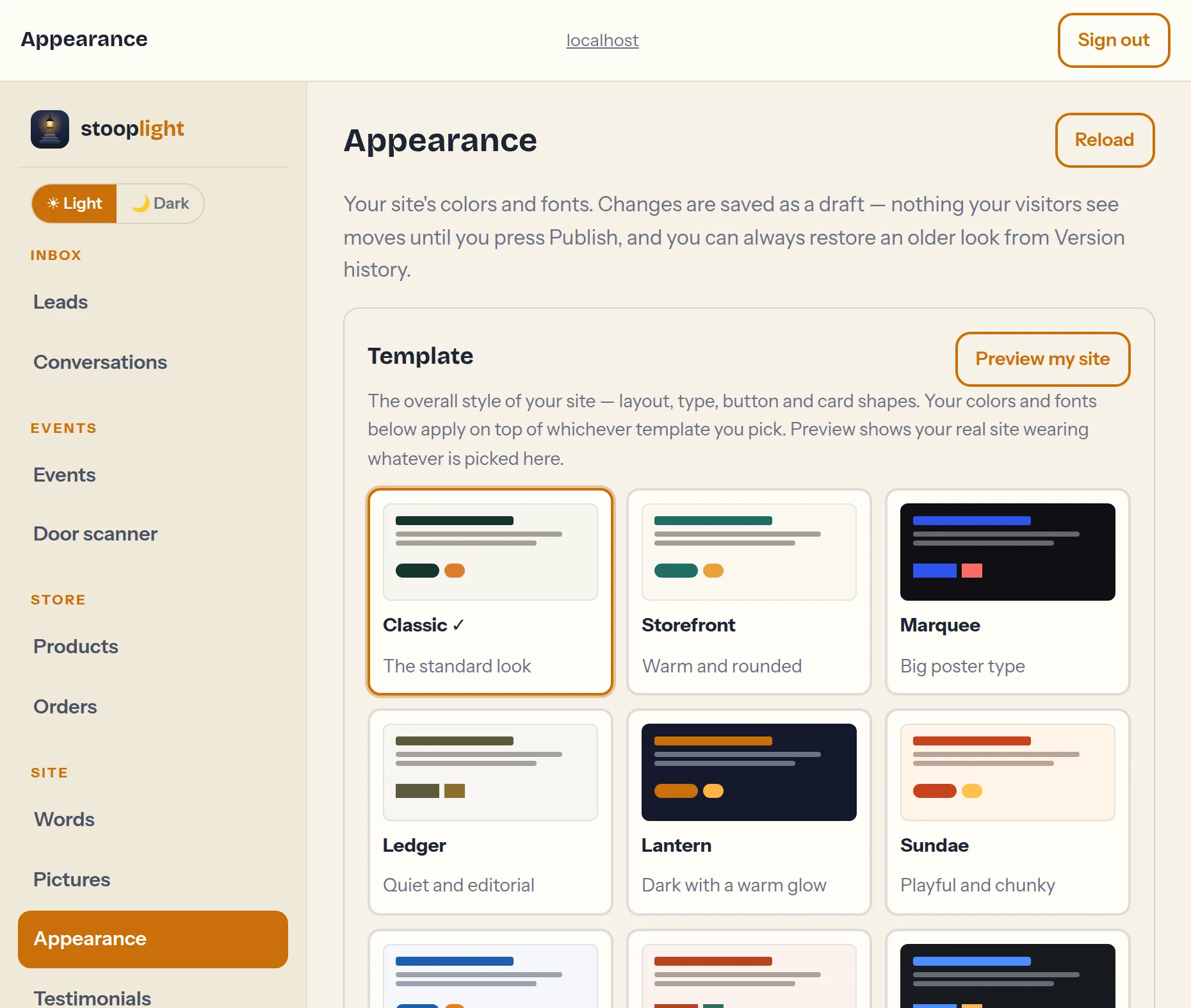
Templates change the whole personality of the site — the layout, the type treatment, the shape of buttons and cards — without touching a word of your content. There are twelve: Classic, Storefront (warm and rounded), Marquee (big poster type), Ledger (quiet and editorial), Lantern (dark with a warm glow), Sundae (playful and chunky), Split (photo beside your words), Editorial (magazine rules), Mono (hard edges), Haven (airy and calm), Glass (frosted panels over your photo), and Headline (your business name set huge). Picking one suggests colors and fonts that suit it, but everything below still applies on top, so your brand colors work in any template. Switching is non-destructive — your content just re-dresses itself, and like everything else it's a draft until you press Publish.
Ready-made color sets sit above the pickers: tap one and all six colors change together to a combination that's already checked for readability — there are twelve sets to try. Prefer full control? Six color roles cover the whole site — main color, accent, backgrounds, and text — each with a plain-language label and a color picker. Fonts come from curated lists (one for headlines, one for text) so every choice looks good; the preview card shows your combination live. Want the full picture? The Preview my site button opens your actual homepage in a window and re-dresses it instantly as you tap templates and swatches — nothing is saved until you publish. If a color pairing would be hard to read, the tab warns you before you publish.