
Docs › The dashboard: how editing works
The dashboard: how editing works
All plansSign in, make changes as a draft, preview, publish — and undo anything.
Your dashboard lives at yoursite.netlify.app/admin. Sign in with the username admin and the password you chose during setup.
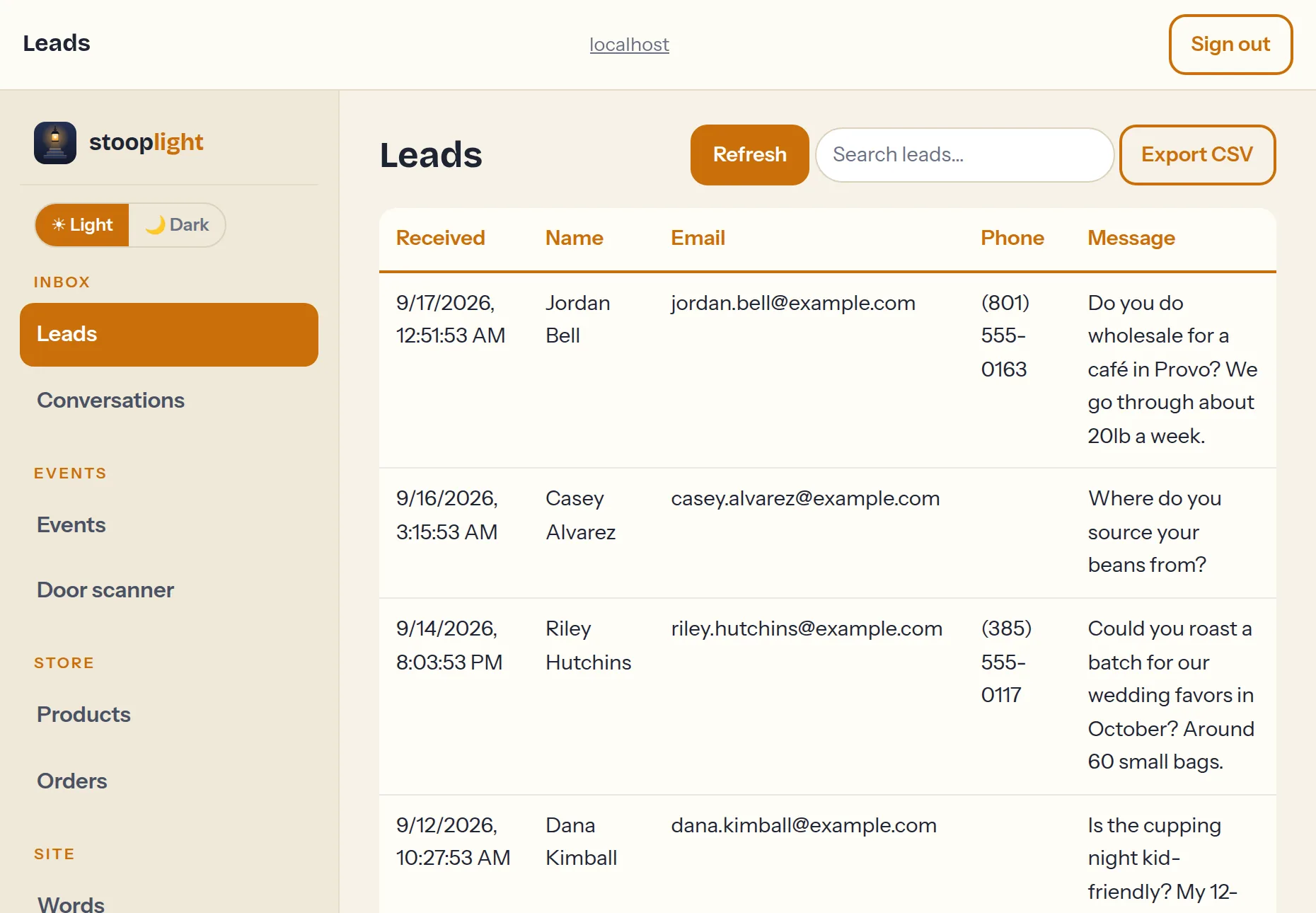
Prefer working on a dark page? The ☀ Light / 🌙 Dark toggle at the top of the menu switches the whole dashboard; it follows your device's setting until you pick, and remembers your choice. The guides here are photographed in light mode.
Drafts, previews, and publishing
Edits in the Site sections (Words, Pictures, Appearance, and so on) are saved as a draft — your visitors see nothing until you press Publish. The draft bar offers Preview, which opens your real site showing the draft (with an amber ribbon so you know it's the preview), and Discard if you change your mind.
Version history
Every publish is kept. At the bottom of the Words tab you'll find the full history with a Restore button on each version — restoring publishes the older version as a new one, so you can always come back. Nothing you publish is ever truly lost.
Your password
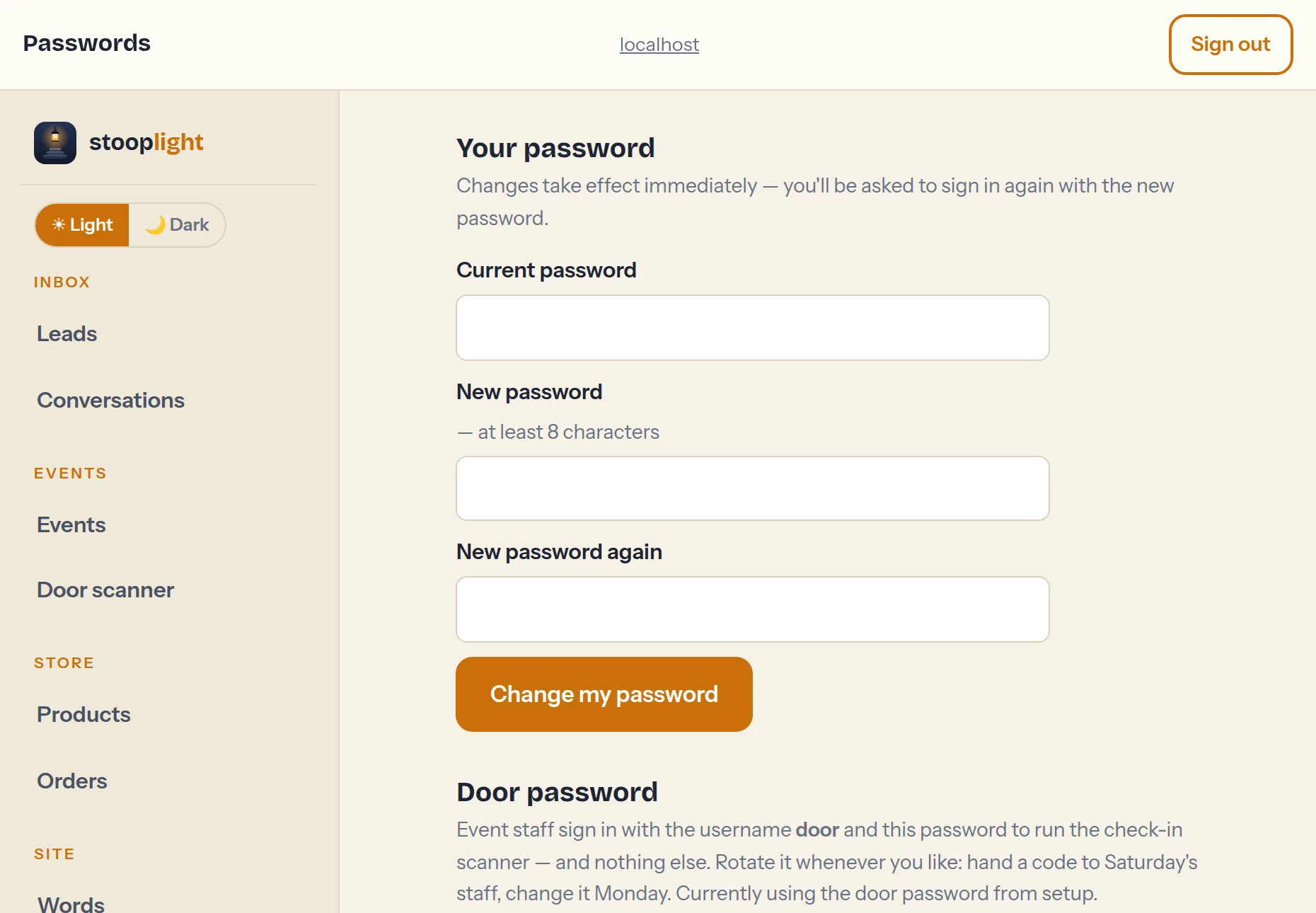
The Passwords section changes your own sign-in password, and — on plans with events — sets the shared door password your event staff use for the ticket scanner (they can scan tickets but can't see the rest of the dashboard).
Forgot your password?
Reset it yourself in about a minute. When your site asks you to sign in, tap Cancel on the prompt — you'll land on a page with a Forgot your password? link (or go straight to yoursite/forgot/). Enter the email address you signed up with and a reset link arrives in your inbox. It works once and expires in 30 minutes: open it, choose a new password, and sign in again with username admin. Your old password stops working the moment you save. Nobody at Stooplight can see or recover your password — if you've also lost access to your signup email, use the support form and we'll sort it out.