
Docs › Testimonials: real customers, on video
Testimonials: real customers, on video
Pro and upAdd video testimonials with nothing but a YouTube link.
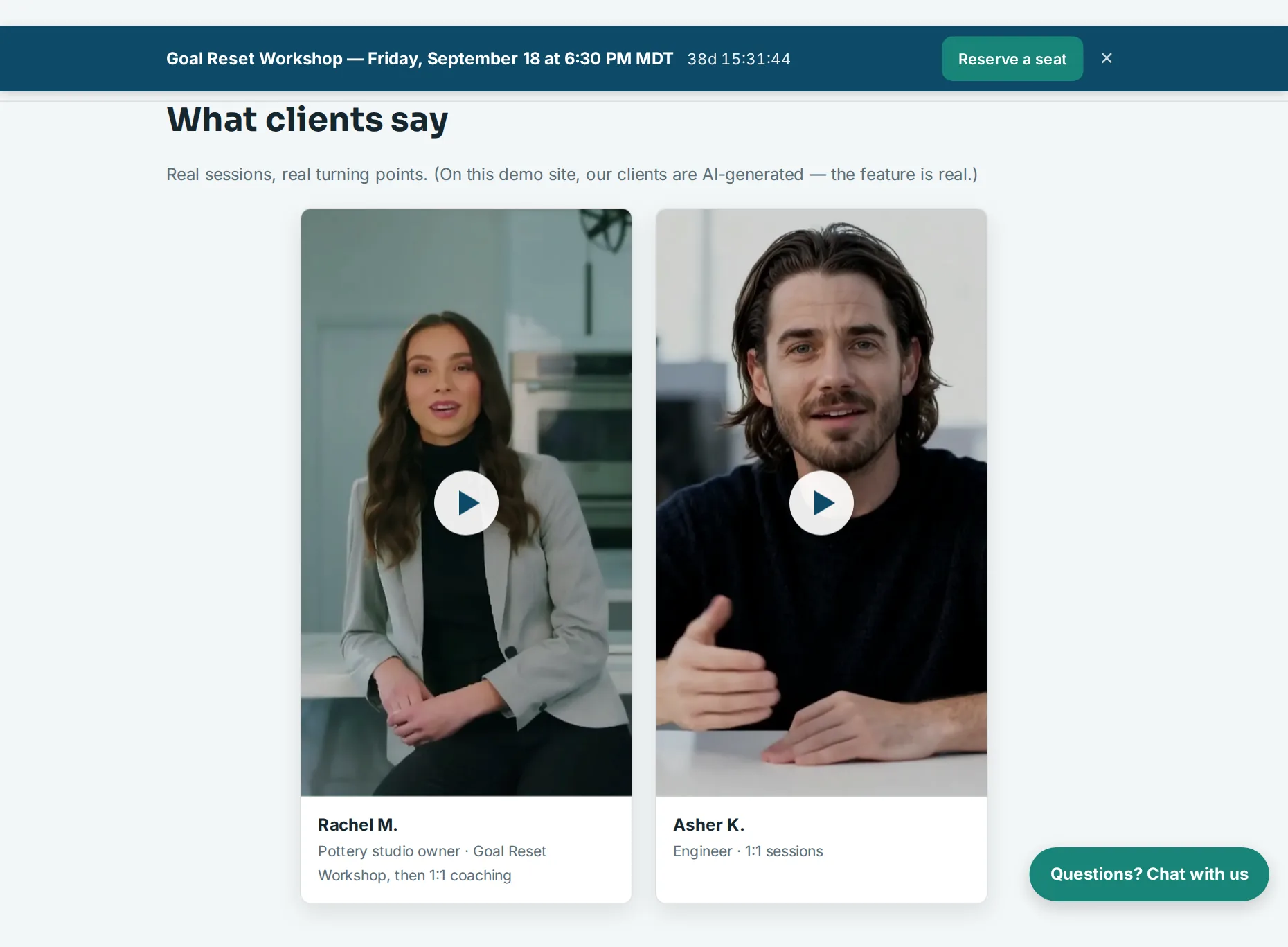
- Ask your customer to record a short phone video — portrait looks best — and upload it to YouTube. Unlisted works if they'd rather it not be public on a channel.
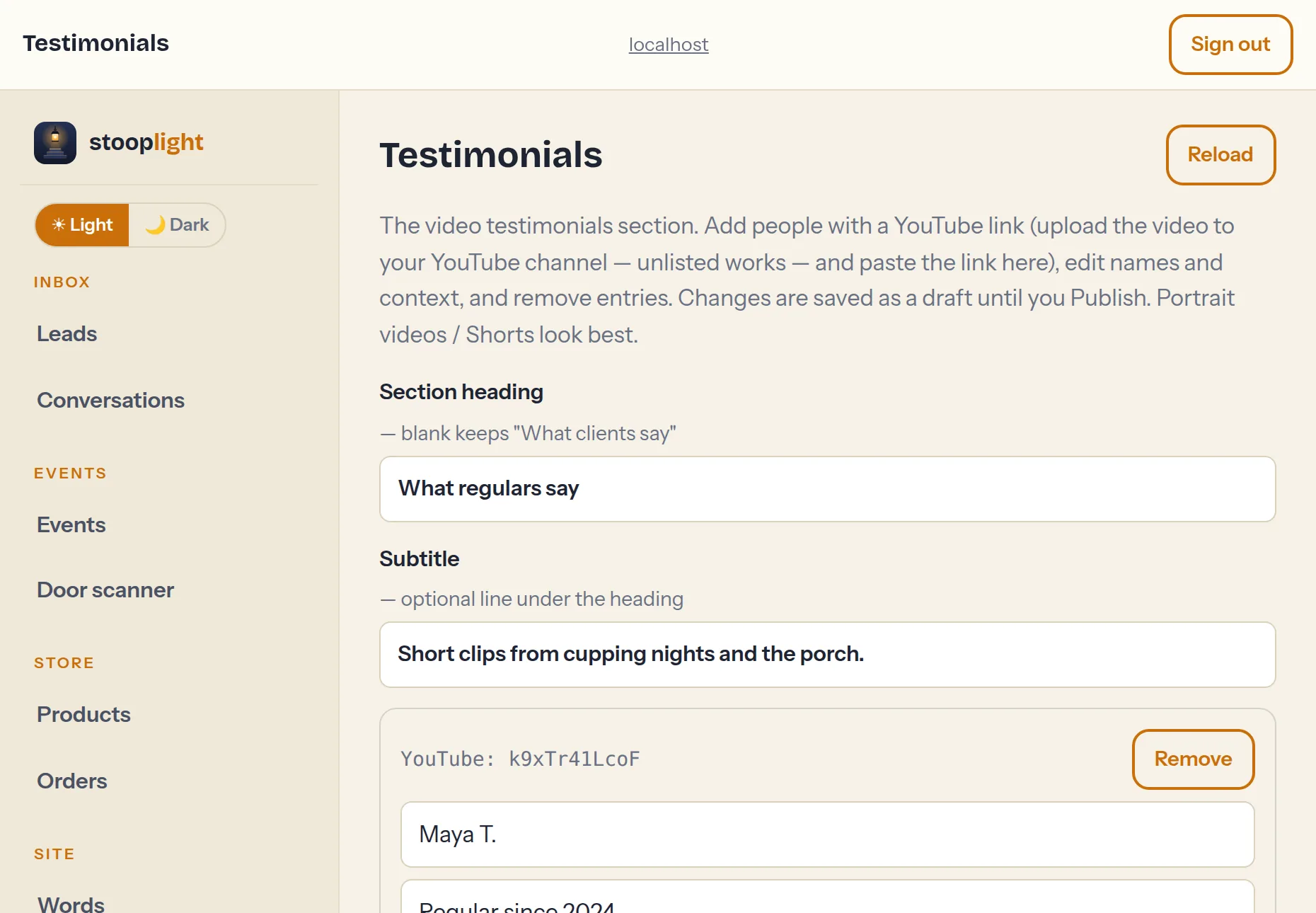
- In the Testimonials tab, press Add testimonial: their name, a line of context (“Pottery studio owner”), and the YouTube link — any link shape works.
- Save and publish. The video shows as a card; nothing from YouTube loads until a visitor presses play.
Tip: On Pro, the post-event feedback form asks attendees whether they'd record a testimonial — say yes to that pipeline and this section fills itself.