
Docs › Guest lists, the door scanner, and feedback
Guest lists, the door scanner, and feedback
Pro and upSee who's coming, check them in, and hear how it went — automatically.
Guest lists
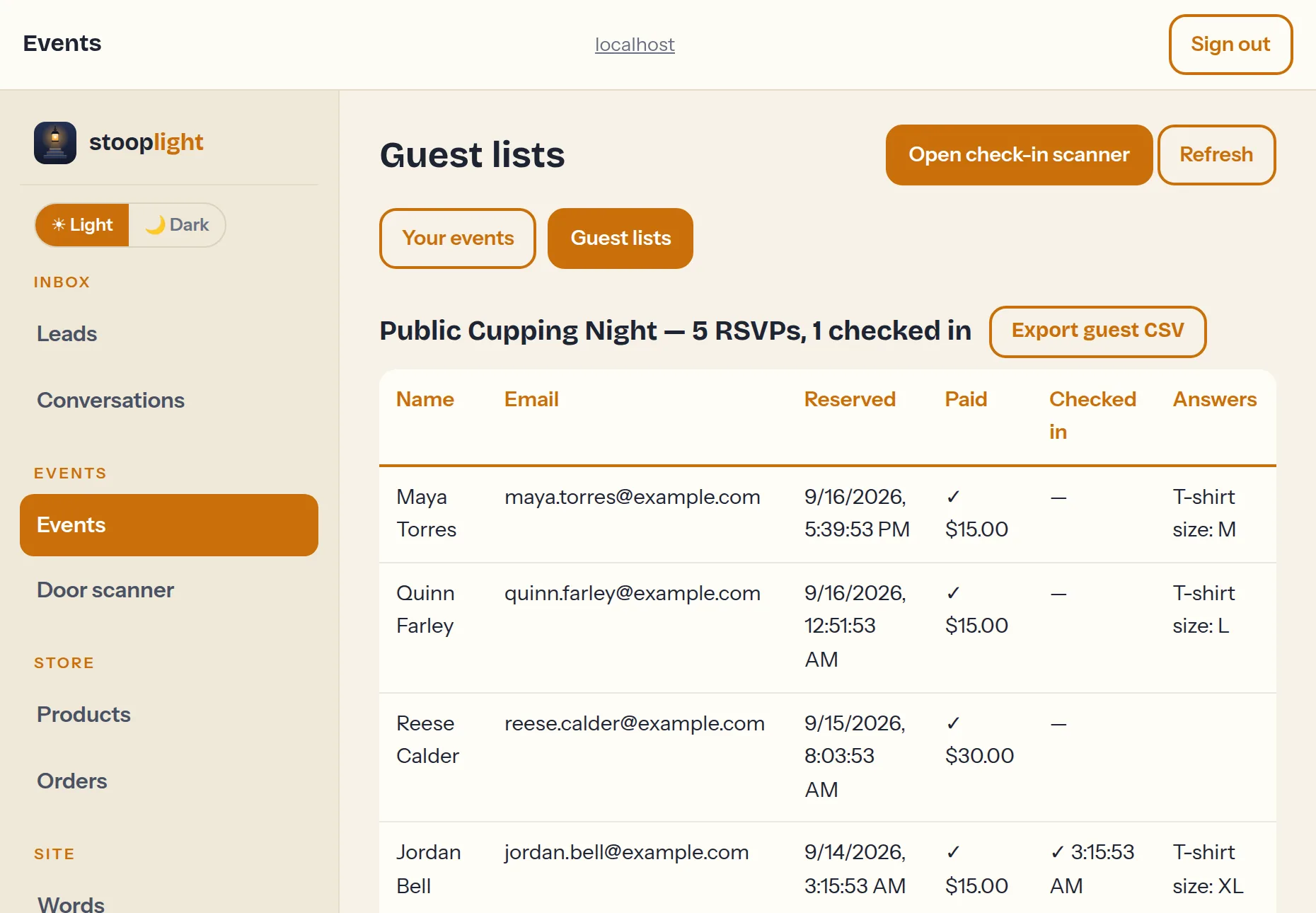
Guest lists live inside the Events section of the dashboard — open Events and tap Guest lists at the top (or tap the guest count on any event). The editor and the lists are two views of the same place.
Every event shows its guests: name, email, paid status, check-in state, and any question answers. Export guest CSV gives you a spreadsheet with one column per question — perfect for the caterer.
The door scanner
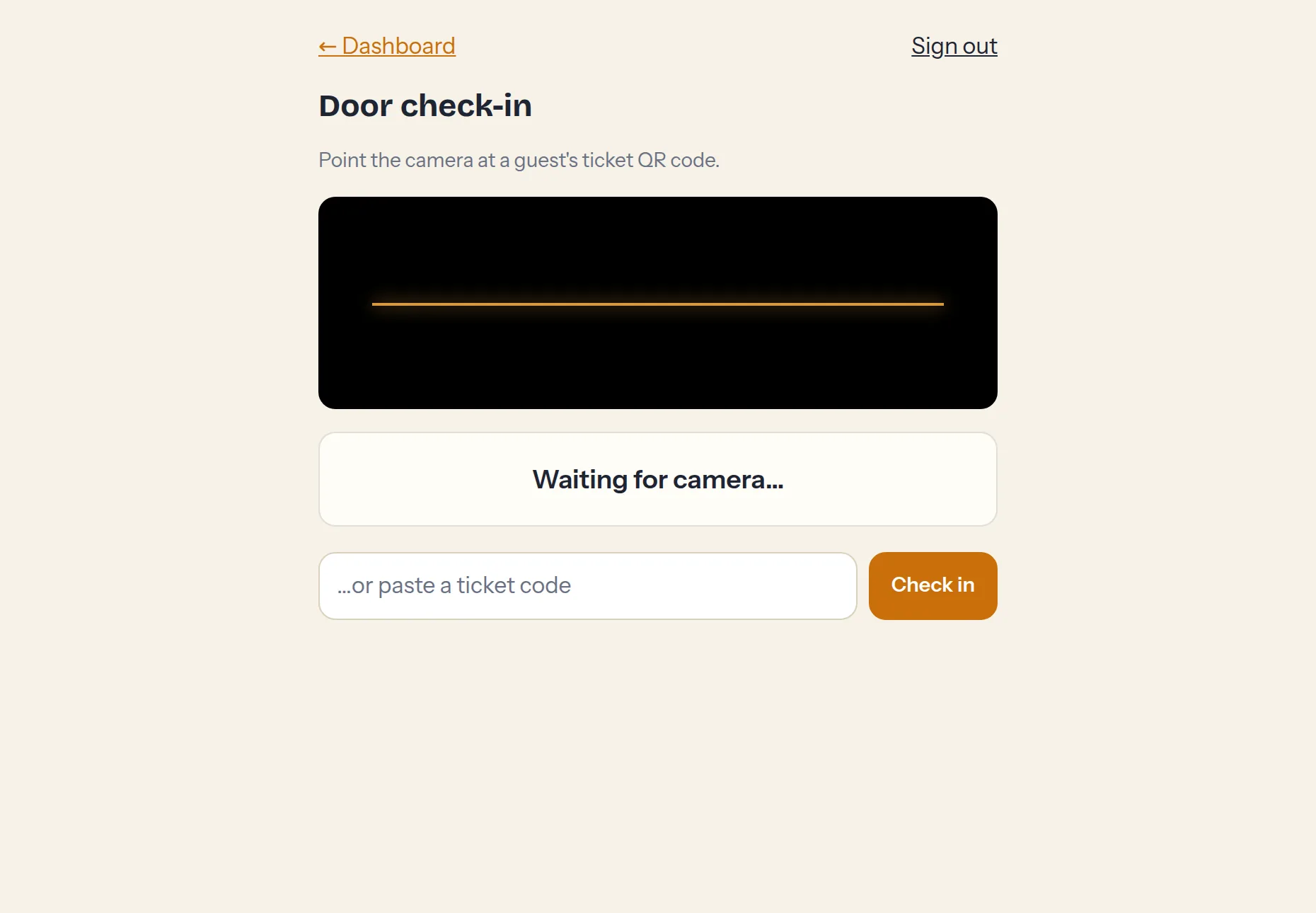
yoursite.netlify.app/admin/checkin.html turns any phone into a ticket scanner. Staff sign in with the shared door password (set in Passwords) — it works for scanning only. Point the camera at a ticket QR and it checks the guest in; duplicates and wrong-event tickets are caught.
Post-event feedback
Here's the automatic part: when a guest checks in — scanned at the door or joining online — a feedback email is scheduled for them, delivered after the event ends. One minute of questions: how it was, what they enjoyed, what to improve, whether they'd come again, and whether they'd record a short video testimonial. Responses appear at the bottom of Guest lists. People who never showed are never asked.